New Features
Here are the biggest features from this release – and there are quite a few.
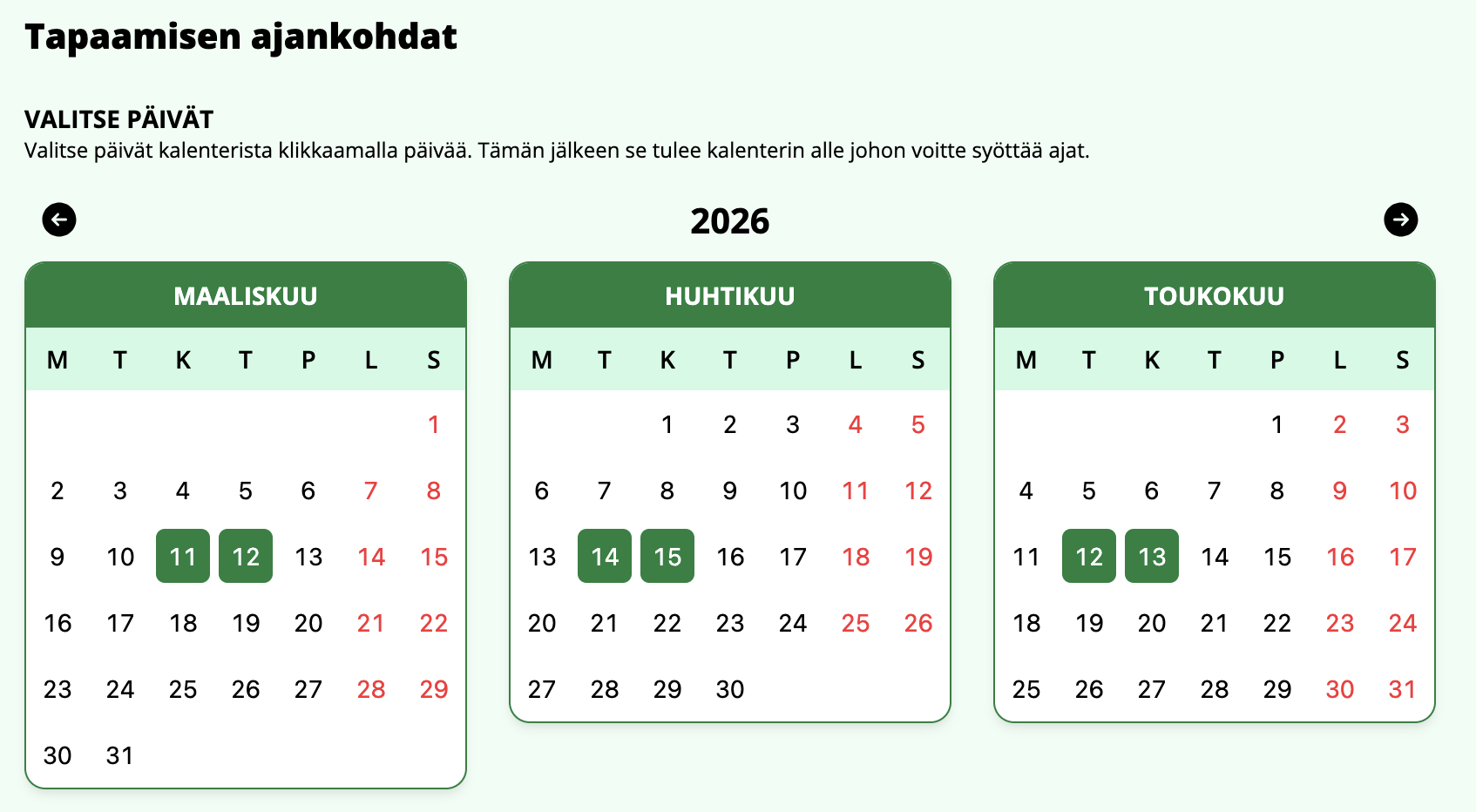
Calendar picker for adding meetings
When adding or editing a meeting, dates can now be selected from a calendar. 1–3 months are shown depending on screen size, and by clicking a month you can select the dates directly.
This speeds up meeting creation, as you no longer need to search through the old date input field.
Registration moved to its own page
Previously, registering for a meeting happened through a popup/modal. Now the registration button takes you directly to a dedicated registration page.
As an added benefit, the meeting management view gained the ability to link directly to the registration page.
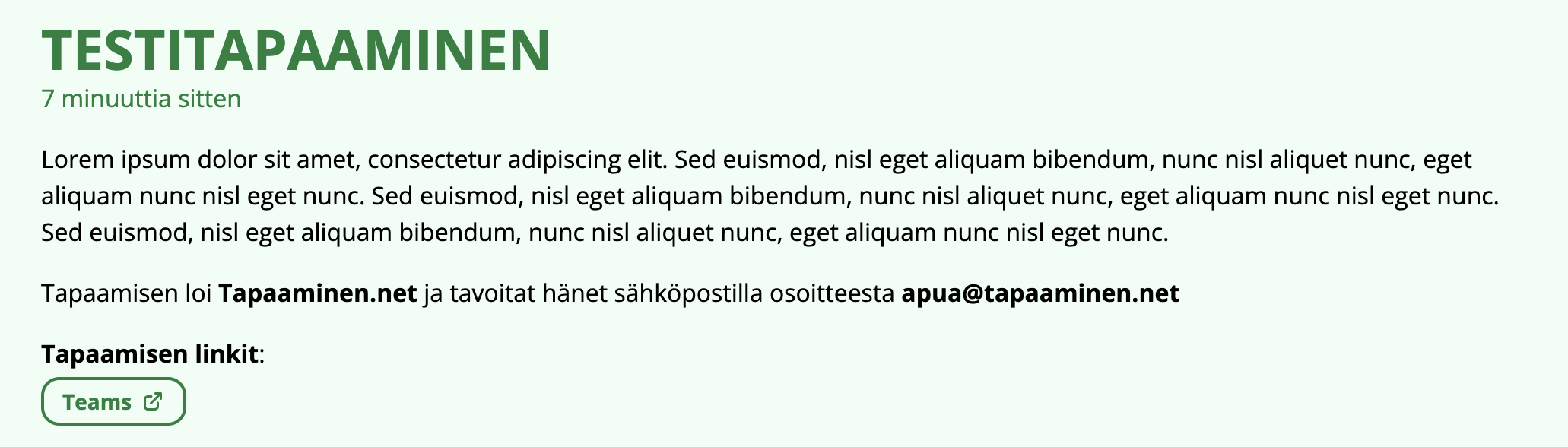
Links have arrived in meetings
You can now add links to a meeting. After creating a meeting, you can edit the displayed links – for example Teams, Google Meet, or any other links.
Thanks to Ilmaisohjelmat.fi for the idea.
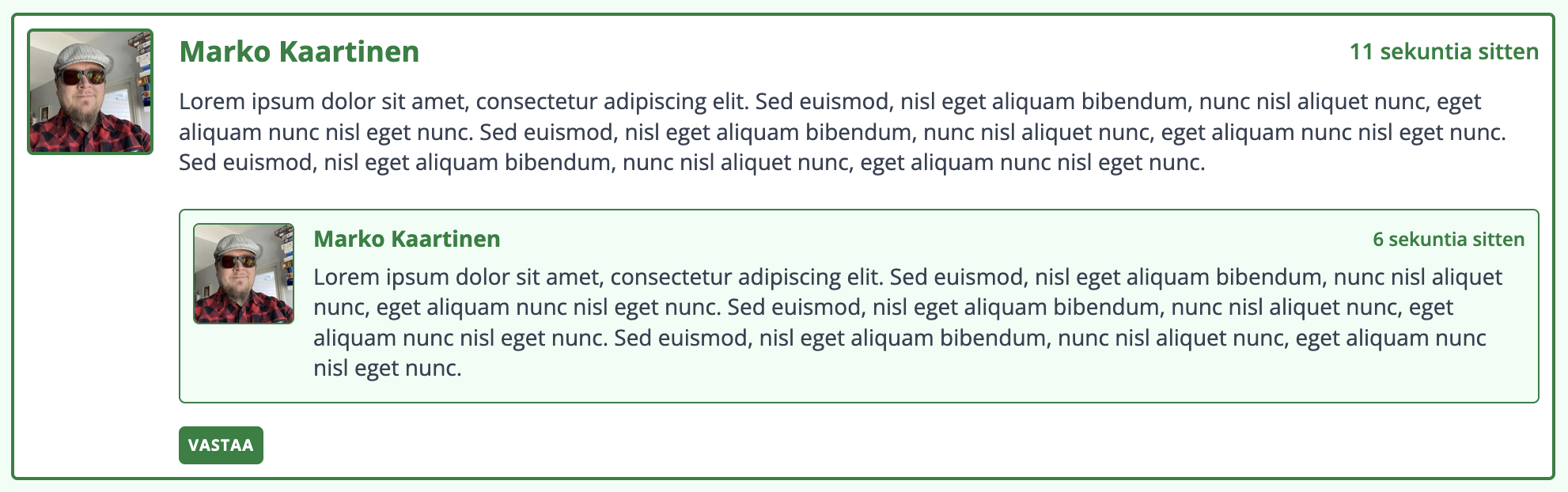
Replies to meeting comments
Comments could already be added to meetings. Now you can also reply to them. In the meeting management view, you can configure whether only the meeting creator or anyone can reply.
Other
- Changing a meeting password now correctly invalidates active sessions
- Clear error message when a share link is entered instead of a management link during meeting claiming
- A notice is shown when a meeting has no available times to display
- Full time slots are checked more thoroughly during registration and feedback is shown to the user
- Support page and translation feedback moved to their own pages
- Accessibility improvements